
Guide
How to make an AI image of your room
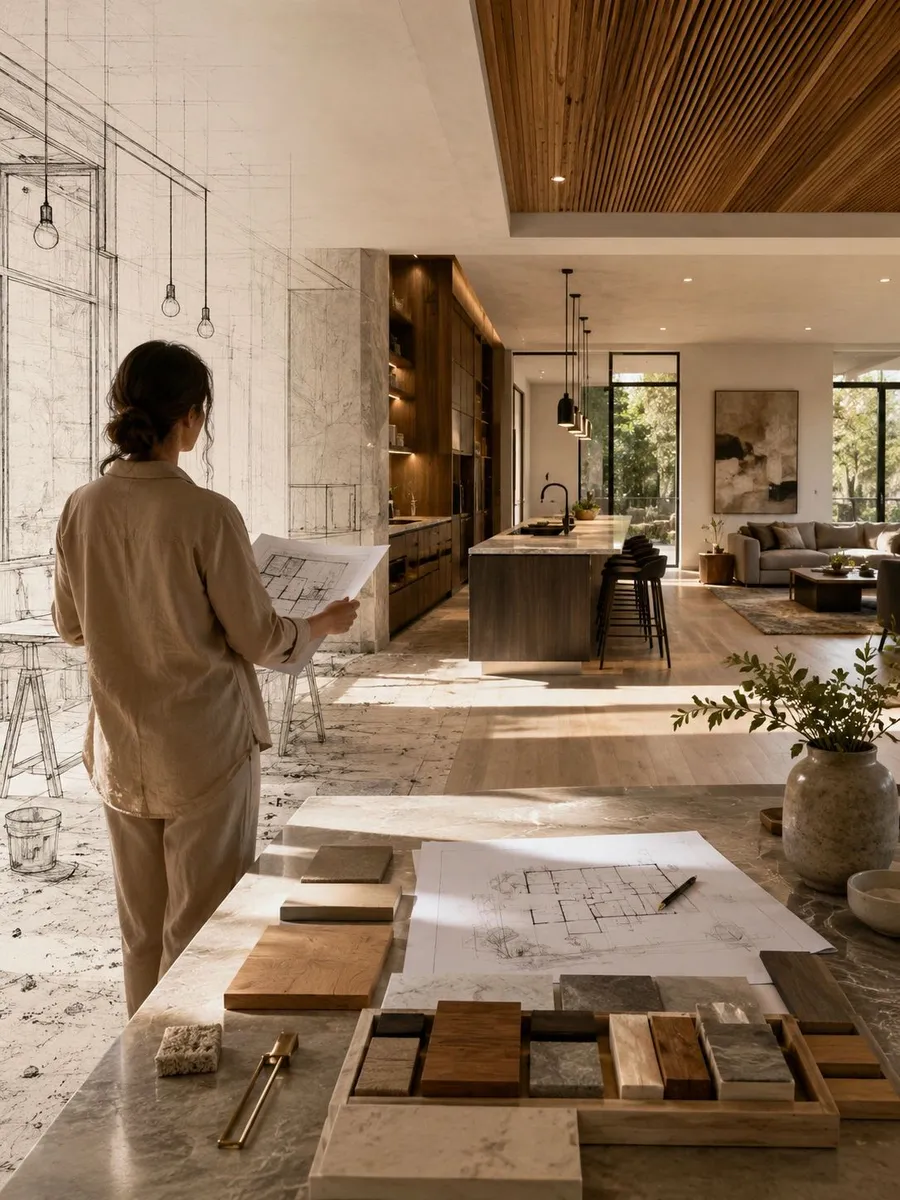
Three minutes, a phone, and any AI image tool. You end up with a picture of your actual room the way you want it, and we turn that picture into a measured, priced plan.
-
Take one honest photo of the room
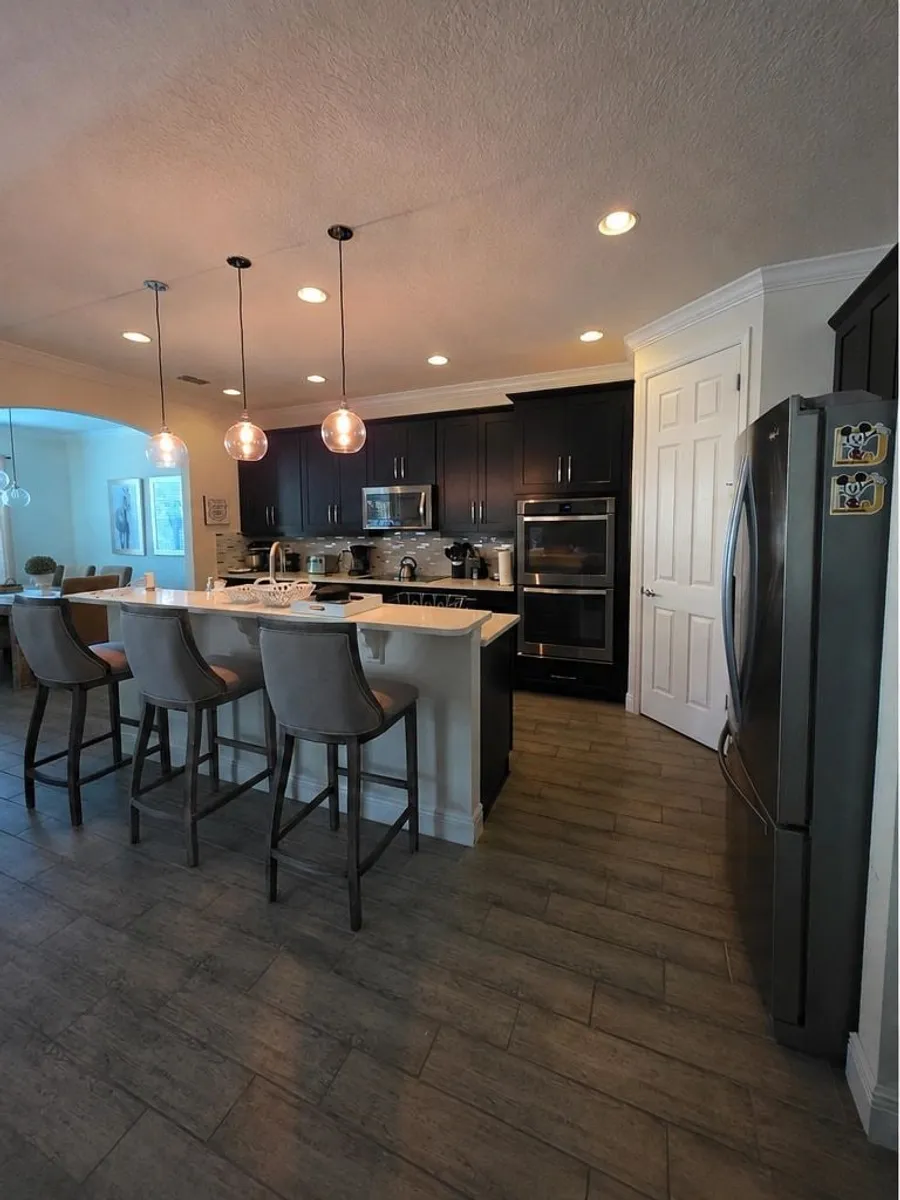
Stand in the doorway. Get the whole room in frame, in daylight, with the lights on. Do not tidy it. The AI needs to see the real walls, windows, and floor so the result is your room, not a stock kitchen.
-
Upload it and describe the change, not the whole room
Open ChatGPT, Gemini, or any image tool that accepts photos. Upload your photo and say what to change. Short, specific, and about materials and color. Everything you do not mention should stay as it is.
-
Save the image and send it to us
Save the result that looks most like what you want. Attach it on our quote form with the original photo. We measure the real room, tell you what is buildable as shown, what needs to change, and what it costs.
Guide
A prompt that works
Keep this exact kitchen, layout, windows, and appliances. Change the cabinets to painted white shaker doors with brushed brass pulls, add a light quartz countertop with a waterfall edge on the island, and change the floor to wide light oak planks. Keep everything else the same. Photorealistic.
Guide
What makes the image useful to us
-
Keep the layout
Ask the AI to keep walls, windows, and appliance positions. Moving plumbing and walls is where budgets grow. An image that keeps the layout is one we can usually build close to as shown.
-
Name real materials
"White shaker doors, brass pulls, light oak floor" gives us something to price. "Modern and luxurious" does not.
-
One change at a time
If the first result changes too much, reply with "keep everything, only change the cabinet color." Iterate. It takes thirty seconds per round.
-
Send the before too
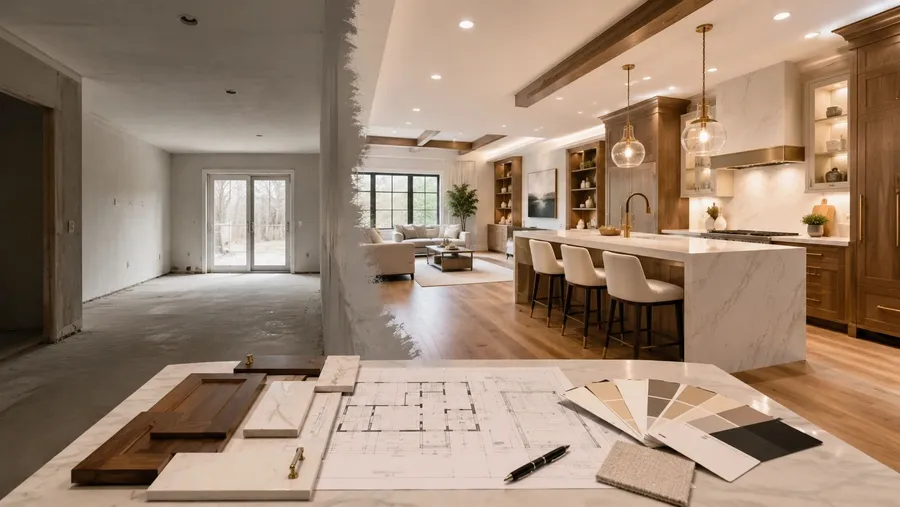
We need the real photo next to the AI image. The difference between them is the scope of your project.
Guide
What this looks like in practice
Questions
Common questions
Which AI tool should I use?
Any tool that accepts a photo works: ChatGPT, Google Gemini, Canva, or Adobe Firefly. Free tiers are enough. Use whichever you already have on your phone.
Will the AI image be exactly what I get?
No, and that is the point of planning. The AI ignores wall lengths, ceiling heights, plumbing, and code. We check it against your measurements and tell you what is buildable, what needs to change, and what it costs.
Can I just send an inspiration photo from Pinterest instead?
Yes. An AI image of your own room is better because it already fits your layout, but a Pinterest photo plus a photo of your room gets us most of the way.
What if I do not want to make an image at all?
Then send a photo of the room and tell us what is not working. We will bring ideas to the first visit.
Ready to start?
Send us your idea. We will tell you what it takes to build it.
An AI image, a photo, a sketch, or just a room that is not working. We reply with next steps, not a sales pitch.